
This is a basic instruction on how you can support us on our mission to Japan.
Our church uses Tith.ly for donations. So you are making a tax deductible contribution through Calvary Chapel. Start by clicking on this link: https://get.tithe.ly/download-tithely-app
The following instructions are for iPhone, but they should be comparable to android and Desktop applications.
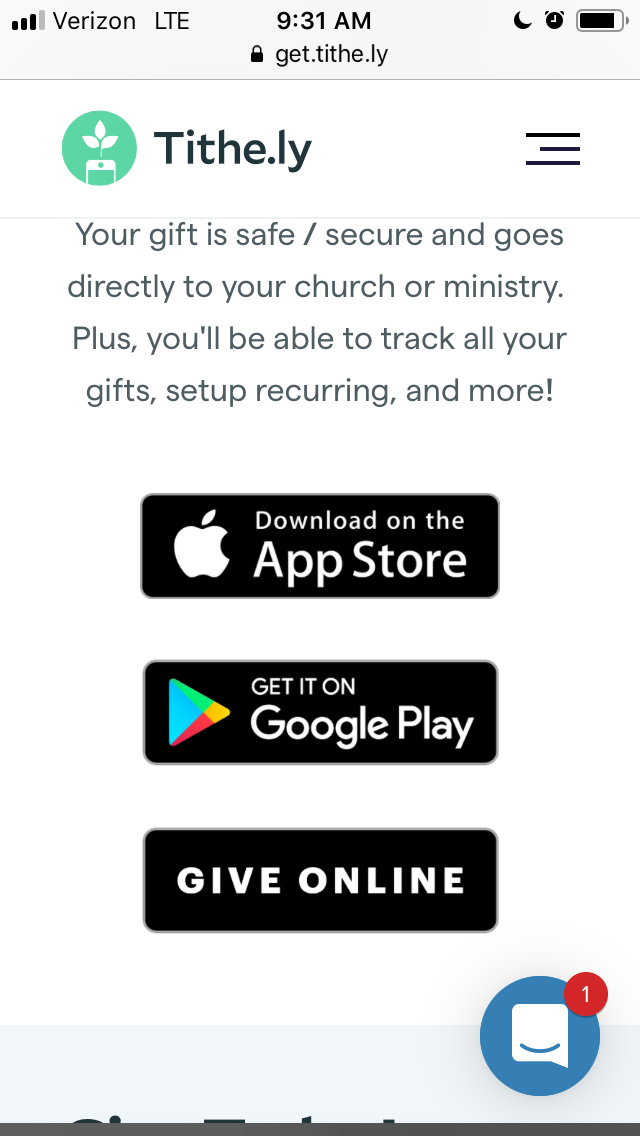
Click the “Give Online” black button at the bottom of the above page. It will take you here to the search for a church page:
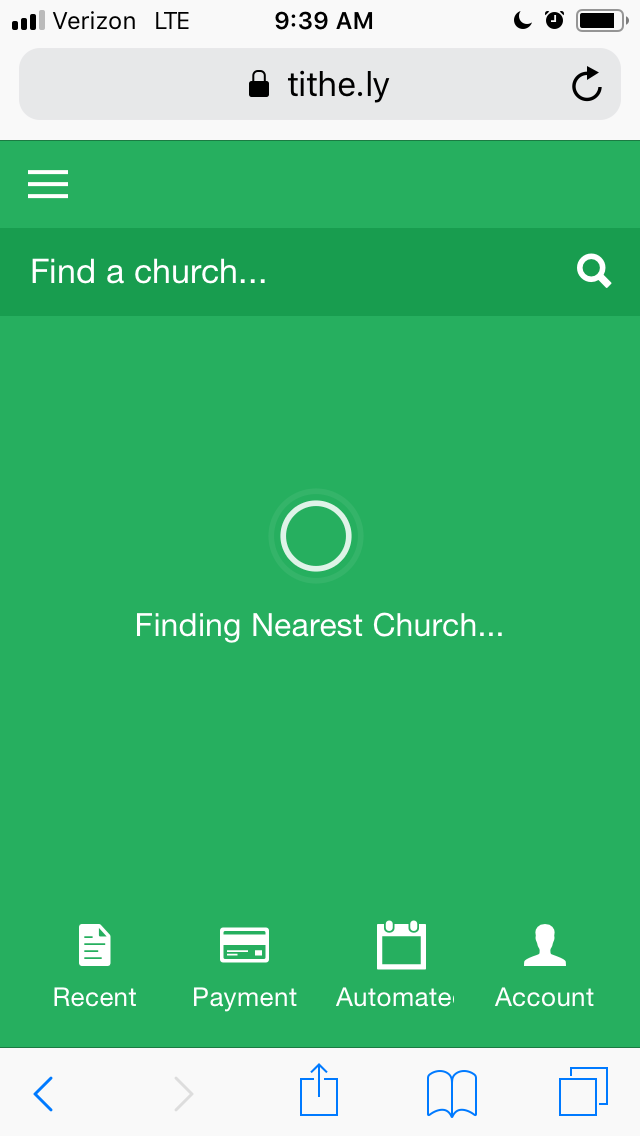
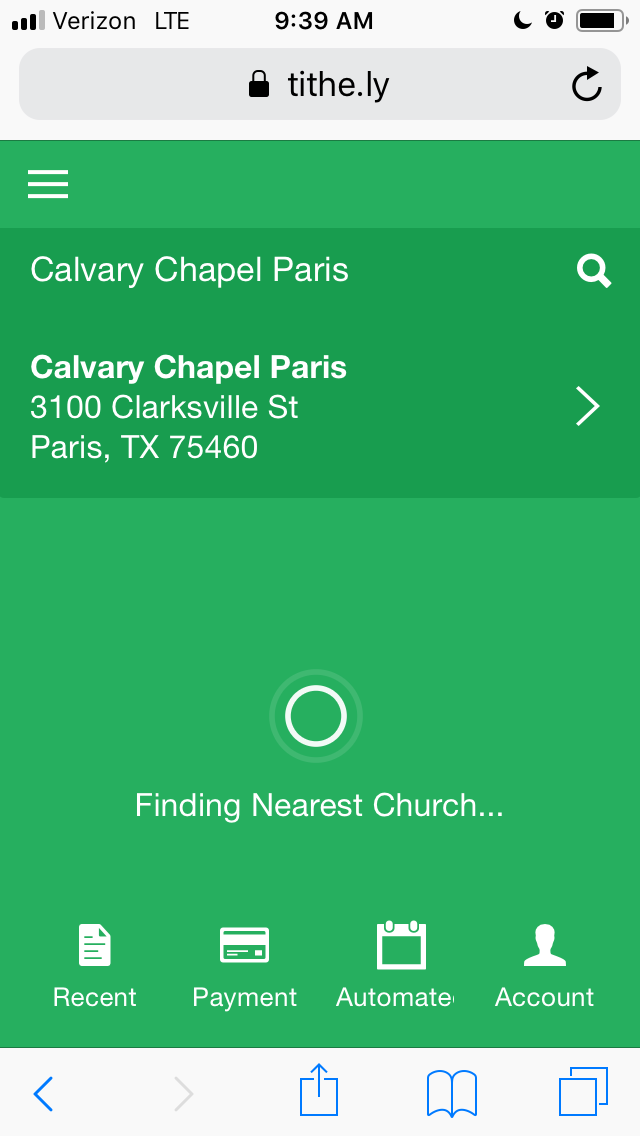
Type in “Calvary Chapel Paris” in the search bar and select the one in Clarksville Street, Paris, Tx, as it looks below:
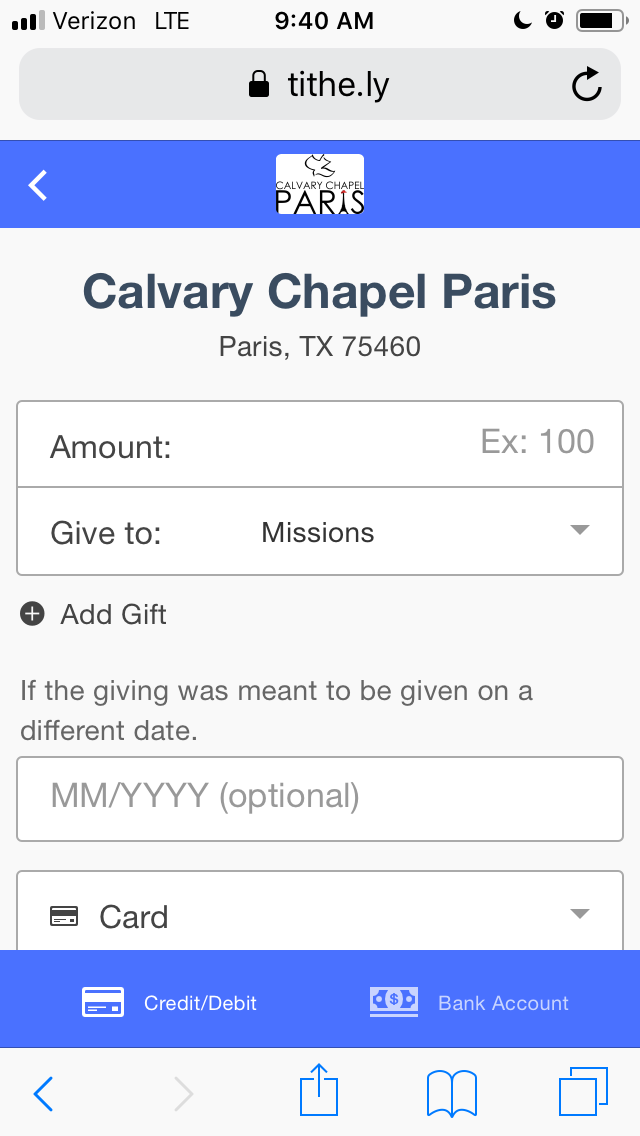
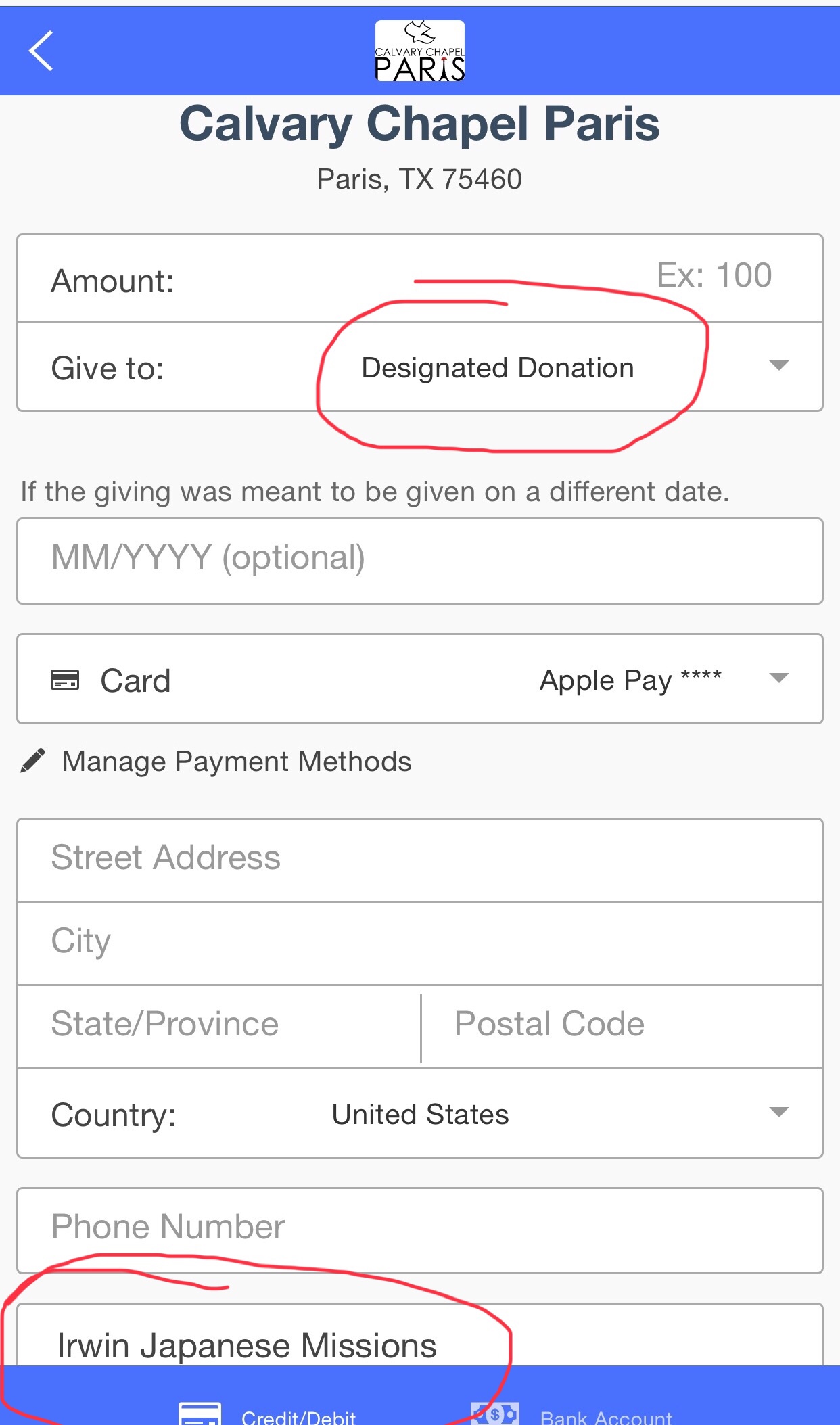
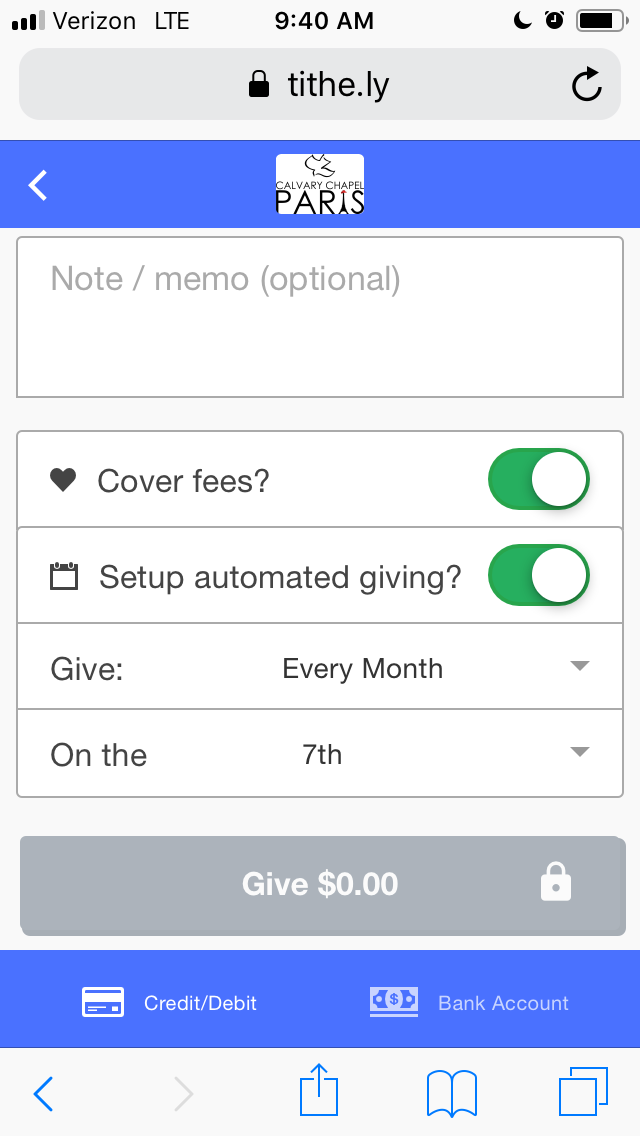
To be consistent with each donor. Please put in the “Note/Memo (optional)” field at the bottom of the form: Irwin Japanese Missions. So it will be easier to search and pull reports.

 Furoshiki Family
4 thoughts on “Making a Monthly Donation”